 TgWitness
Documentation / 04
Start in minutes
First, explore a working example. Then connect your own account.
Look around without an account
Download or clone the project, install Python 3.11 or later, and run the demo. The launcher creates a local environment and installs the pinned dependencies.
git clone https://github.com/phishdestroy/TgWitness.git
cd TgWitness
Windows
.\scripts\Demo.cmdLinux / macOS
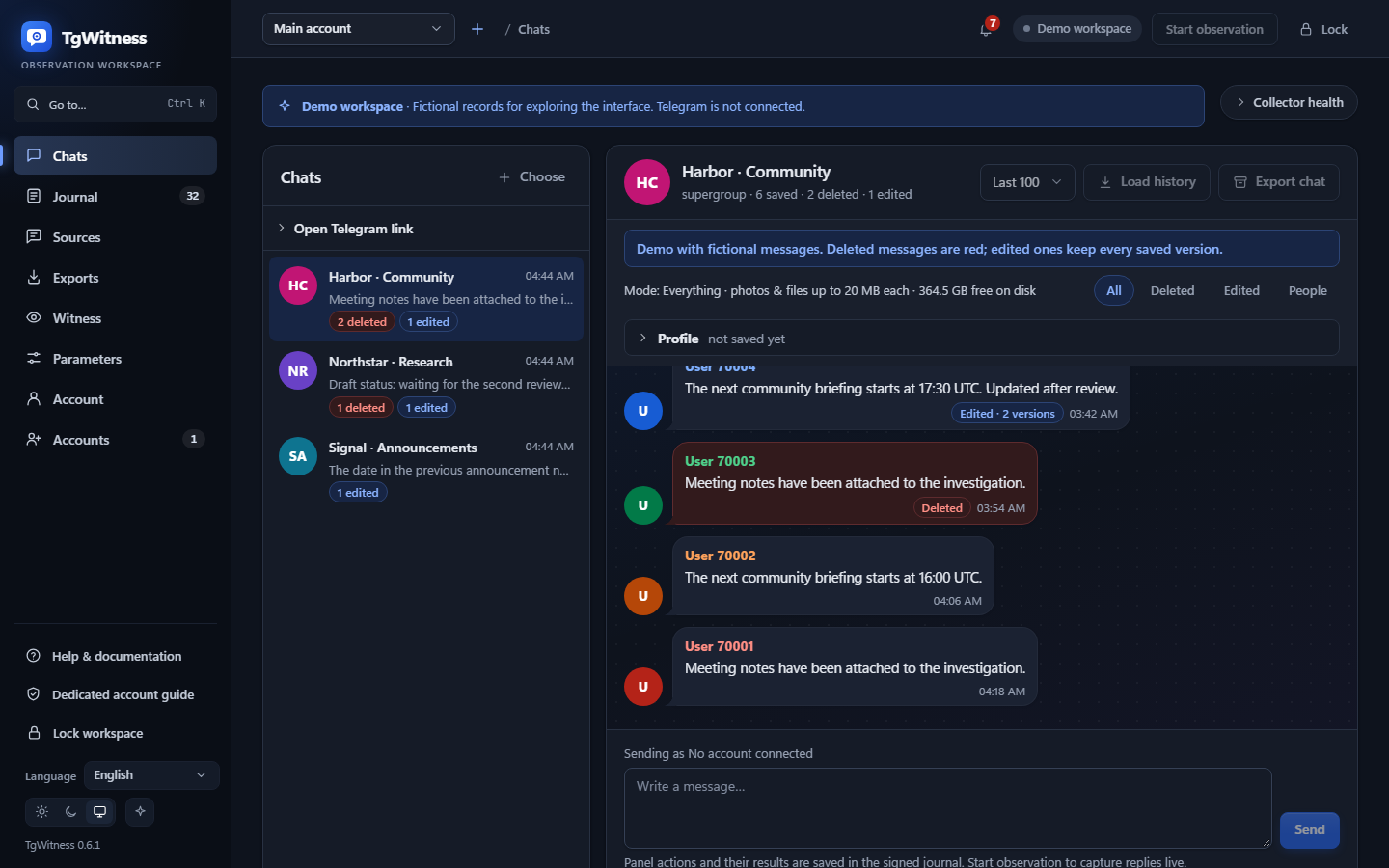
sh start.sh --demoThe browser opens a workspace with fictional messages. Open a conversation, compare an edit and inspect an export. Demo mode does not connect to Telegram.
Start your own workspace
Close the demo process, then use the normal launcher:
Windows
.\Start.cmdLinux / macOS
sh start.shOpen the local address shown by the launcher. If asked, enter the panel access token from the local file named in the terminal. This unlocks TgWitness; it is separate from Telegram sign-in.
Capture your first message
- Connect a dedicated Telegram account.
- Select a group or channel the account can access, then start observation.
- Send a new message in a test group you control and check that it appears in the journal.
For a server installation, follow Keep it running.